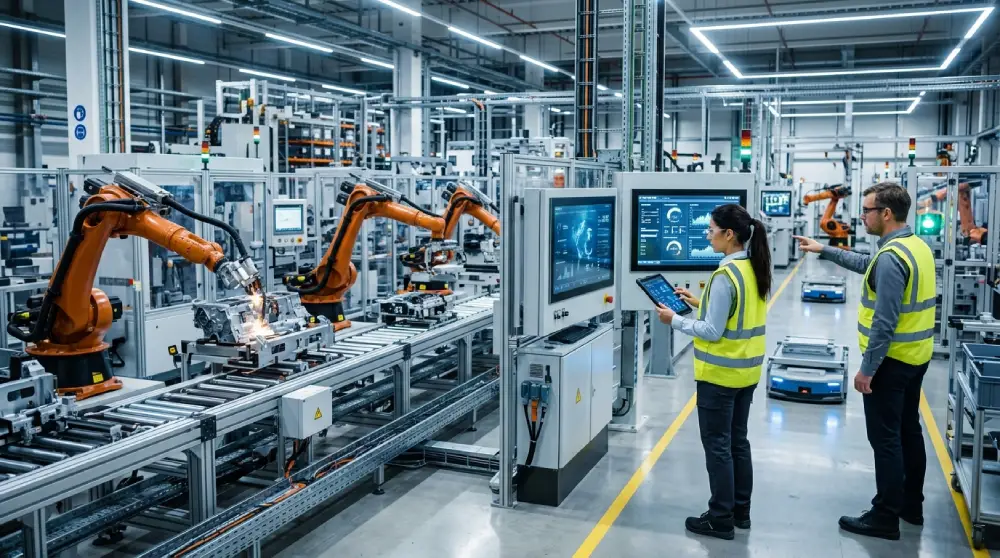

Automation in business has become one of the most talked about strategies for companies looking to save time, reduce errors, and free up their teams for more meaningful work. Instead of relying on manual, repetitive tasks, businesses are turning to automated systems that handle routine processes on their own. Understanding how automation works and where it fits into your operations can help you make smarter decisions for your company’s future.
- What Automation in Business Really Means
- Key Areas Where Businesses Use Automation
- Benefits of Automation in Business
- Challenges to Consider When Implementing Automation
- How to Successfully Introduce Automation Into Your Business
- The Future of Automation in Business
- Final Thoughts
- Frequently Asked Questions
What Automation in Business Really Means
Automation refers to using technology to complete tasks that would otherwise require manual effort. This can range from simple tools like automated email replies to more advanced systems that manage entire workflows across departments.
Beyond Just Software
Many people assume automation only applies to software tools, but it also includes physical processes such as automated inventory tracking or production line systems. The core idea remains the same: reducing manual involvement while maintaining accuracy and consistency.
The Shift From Manual to Automated Processes
Traditionally, tasks like data entry, scheduling, and customer follow ups required constant human attention. Automation shifts this responsibility to software or machines that can perform these actions accurately and without fatigue, allowing employees to focus on higher value work.
Key Areas Where Businesses Use Automation
Automation touches nearly every department in a modern business, each benefiting in its own unique way.
Marketing and Customer Engagement
Automated email sequences, social media scheduling, and personalized customer messaging allow marketing teams to reach the right audience at the right time without manually sending each message. This creates consistency while saving significant time.
Sales and Customer Relationship Management
Sales teams often use automation to track leads, send follow up reminders, and update customer records automatically. This ensures no potential customer slips through the cracks due to human oversight.
Human Resources and Onboarding
From scheduling interviews to sending onboarding documents, automation helps HR teams manage repetitive administrative tasks so they can dedicate more attention to hiring the right people and supporting employees.
Finance and Reporting
Automated invoicing, expense tracking, and reporting tools reduce the chances of manual errors while giving finance teams real time visibility into company performance.
Benefits of Automation in Business
Understanding the advantages of automation helps explain why so many companies are adopting it across different industries.
Improved Accuracy and Consistency
Manual processes are prone to human error, especially when tasks are repetitive. Automated systems follow the same steps every time, reducing mistakes and improving overall data quality.
Increased Productivity
When routine tasks are automated, employees can focus their energy on strategic thinking, creativity, and problem solving rather than repetitive administrative work.
Better Customer Experience
Automation allows businesses to respond to customers faster, whether through instant email replies, chatbots, or automated support ticket routing. Quicker responses often lead to higher customer satisfaction.
Scalability for Growing Businesses
As a company grows, manual processes become harder to manage. Automation allows businesses to handle increased workloads without needing to proportionally increase staff for every repetitive task.
Challenges to Consider When Implementing Automation
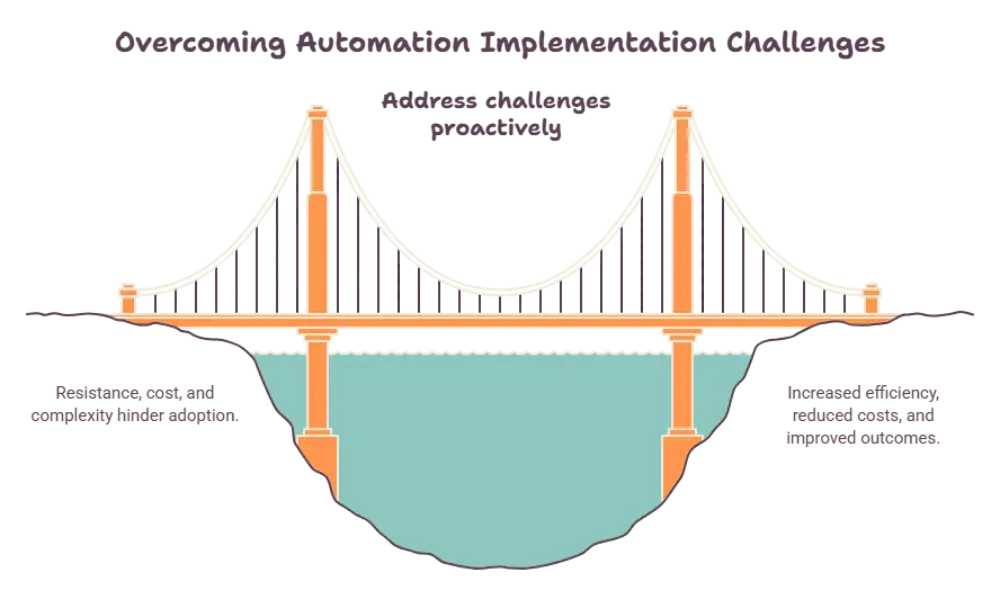
While automation offers many benefits, it is not without its challenges, and businesses should approach it thoughtfully.
Choosing the Right Tools
With so many automation tools available, selecting the right one for your specific needs requires careful research and testing to ensure it integrates well with existing systems.
Employee Adaptation
Introducing automation often requires employees to learn new tools and adjust their workflows. Clear training and communication help ease this transition and reduce resistance to change.
Maintaining a Human Touch
Some business functions, especially those involving customer relationships, still benefit from a personal touch. Businesses need to strike a balance between automation and genuine human interaction.
How to Successfully Introduce Automation Into Your Business
A thoughtful approach makes automation far more effective and sustainable in the long run.
Identify Repetitive Tasks First
Start by looking at tasks that are repeated frequently and follow a predictable pattern. These are usually the easiest and most beneficial processes to automate first.
Start Small and Expand Gradually
Rather than automating every process at once, begin with one or two areas, measure the results, and expand automation gradually as your team becomes more comfortable with the changes.
Continuously Monitor and Improve
Automation is not a one time setup. Regularly reviewing how automated systems perform allows businesses to make adjustments and improve efficiency over time.
The Future of Automation in Business
As technology continues to evolve, automation is expected to play an even larger role in daily business operations. Businesses that embrace automation thoughtfully, while maintaining strong communication and human oversight, are likely to see long term improvements in efficiency, accuracy, and overall growth.
Final Thoughts
Automation in business is no longer just a trend but a practical approach to improving efficiency and reducing manual workload across departments. identifying the right processes to automate and introducing changes gradually, businesses can create a smoother, more productive work environment for their teams while delivering a better experience for their customers.
Frequently Asked Questions
What is automation in business?
Automation in business refers to using technology or software to handle repetitive tasks and processes that would otherwise require manual effort, improving efficiency and accuracy.
Which business processes are easiest to automate first?
Repetitive and predictable tasks such as email follow ups, data entry, invoicing, and appointment scheduling are usually the easiest and most effective to automate first.
Does automation replace employees?
Automation typically handles repetitive tasks rather than replacing employees entirely, allowing teams to focus on strategic, creative, and customer facing responsibilities instead.
How does automation improve customer experience?
Automation allows businesses to respond faster through tools like chatbots, automated emails, and instant support routing, which can lead to quicker resolutions and higher customer satisfaction.
Is automation only useful for large companies?
No, businesses of all sizes can benefit from automation, especially small and growing companies looking to manage increasing workloads without significantly expanding their team.